How To Use a QR Code for Payments
QR payments work perfectly for freelancers, photographers, healthcare providers, and independent contractors who want faster contactless checkouts, simple tipping, and easy discounts.
You can set up a merchant account with your POS provider and link a code to your services profile. Your clients then use that code to pay by QR code and access a secure checkout page instantly.
Here are some more benefits of using QR code payments:
- Cost-effective: Reduce payment processing fees.
- Increased efficiency: Speed up transactions and cut waiting times.
- Security: Transactions run through your provider’s encrypted technology.
- Versatility: Add different types of QR codes to marketing materials or invoices.
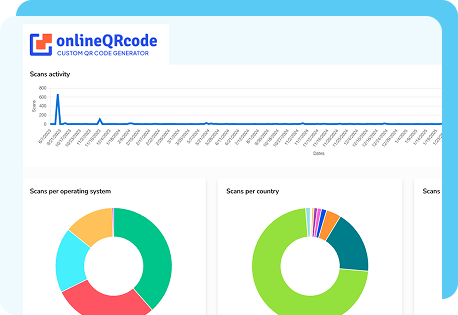
- Trackable: You can monitor and analyze every scan to understand your sales better.
How To Create a QR Code for Payments
Creating your QR codes for payments with OnlineQRcode is intuitive and takes just a few clicks. Our QR code for payment generator allows you to make dynamic codes that can be updated or edited later without changing the image, in just a few steps:
-
1 - Choose a link or checkout page from your POS platform.
-
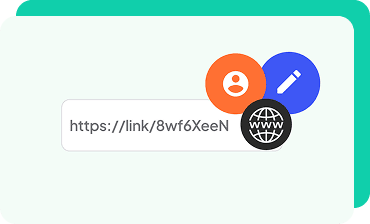
2 - Add your payment URL or merchant profile information.
-
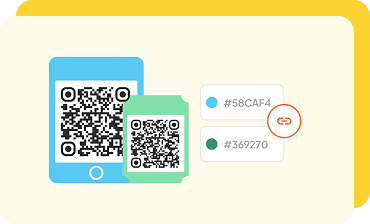
3 - Add a custom logo and color theme that matches your brand.
-
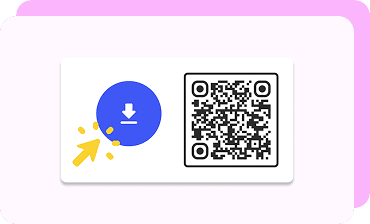
4 - Save your code and place it on the marketing material that works best,business cards, flyers, or invoices so customers can pay with a QR code.
The Top QR Code Payment Platforms
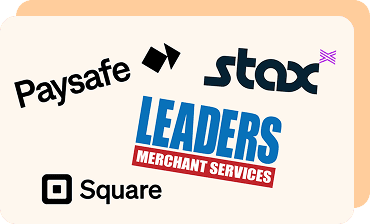
Once you create your payment QR code, you can link it to several POS systems, which also serve as QR code payment apps.
Below are some of the leading platforms that support QR payment links for professionals across industries.
-

Square
You can link the QR code you created with OnlineQRcode to your Square account in just a few steps. On your Square dashboard, create a payment link or a self-serve ordering page under the Online section. Then, simply attach your dynamic QR code for Square payment at that link.
It’s perfect for photographers, local cafés, and small businesses wanting fast, contactless payments that can be done via materials like business cards and flyers.
-

Paysafe
To connect your payment QR to Paysafe, start by generating a payment link through your merchant dashboard or integrated platform. Then, use your custom QR code to direct customers to that secure page. When scanned, the code opens your payment link, where clients can finalize transactions using their Paysafe app.
It works well for lawyers with global clients, as Paysafe supports over 120 markets and provides strong fraud protection.
-

Stax
If you use Stax, you can link your QR code generated to a Stax-hosted checkout page. Simply pair your payment URL or invoice link to your QR code so clients can pay directly.
This connection lets professionals with high transaction volumes,— such as content creators, real estate agents, and service providers,— accept fast, secure payments through Stax’s subscription-based model.
-

Leaders Merchant Services
You can link your QR payment code to your Leaders Merchant Services account using the Clover POS system or a generated payment link from your merchant dashboard. Just connect your dynamic QR to that payment link, and customers can scan it to complete transactions securely.
This approach is ideal for professionals who value personalized service and flexible payment options.
FAQs
How does a QR code payment work?
Toggle faqs
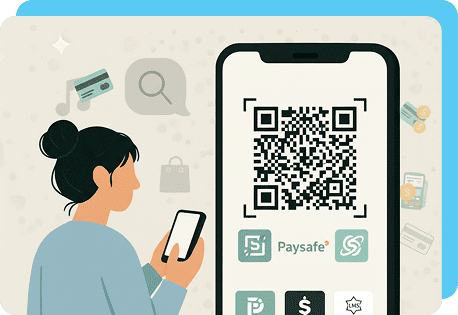
A QR code payment lets you receive money instantly by scanning a unique code with a smartphone.
The scan opens a secure checkout page or payment app where your client completes the transaction quickly and safely.
Can you link a QR code to Square?
Toggle faqs
Yes. You can link your QR code to Square through a payment URL or checkout page.
With OnlineQRcode, you can easily generate and personalize your QR code for Square payments, placing it on invoices, receipts, or marketing materials to help clients pay quickly and conveniently.
Is it safe to send money through a QR code?
Toggle faqs
Yes. QR code payments are encrypted and processed through verified gateways, making them secure.
Each transaction passes through your POS provider’s protected servers, ensuring your clients’ information stays private and safe.
Do payment QR codes expire?
Toggle faqs
Dynamic QR codes created through OnlineQRcode do not expire unless you deactivate them.
You can update the payment URL or modify your design anytime without reprinting, making them ideal for ongoing services, recurring clients, and evolving business offers.