Can You Edit a QR Code After Printing?
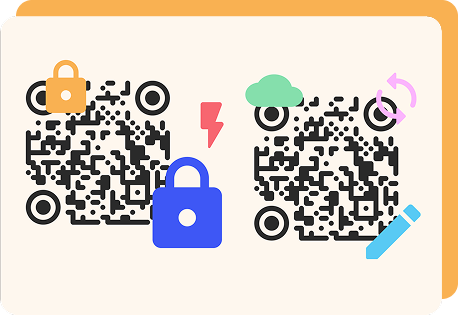
The answer depends on the type of code you created: static or dynamic. Static codes store fixed data, while dynamic codes give you the flexibility to update and track your content.
Static QR codes are great for permanent content that will not change over time. Here are some important things to note about this type of code:
- Data is fixed once generated.
- Static QRs are ideal for simple, permanent links, such as portfolio pages or contact info.
- No analytics or tracking is available.
Dynamic QR codes are built for flexibility and performance. Key features include:
- The destination link can be edited anytime.
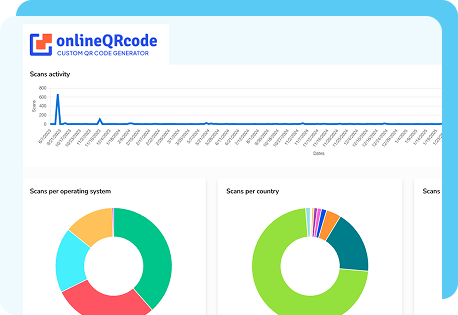
- Real-time tracking and analytics are available.
- No need to reprint your code after edits.
You might also be wondering, “Can you edit a QR code as you scan it?” No. The code cannot change mid-scan. You can only update the destination with a dynamic code. And can you edit a QR code to a different website? Yes. Change the target URL of a dynamic code.
How To Edit a QR Code Online
Editing a QR code you created with OnlineQRcode takes only a few minutes. Our QR code edit online feature is designed for speed, convenience, and control.
-
1. Log in to your OnlineQRcode account and open your dashboard.
-
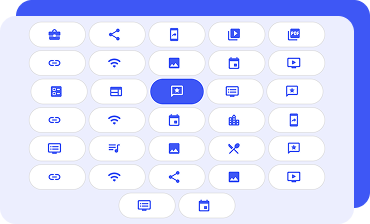
2. Select the QR code you want to edit.
-
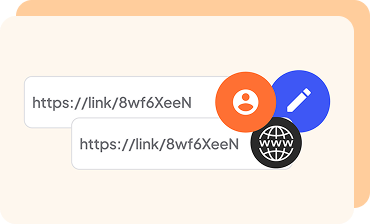
3. Update your link or content.
-
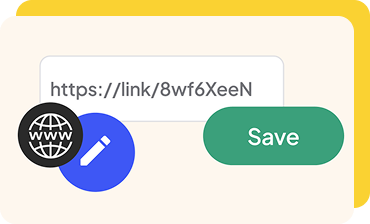
4. Save your changes.
-
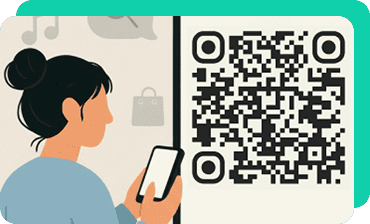
5. Scan the code with your phone to confirm the new link works.
This flexibility is why dynamic codes are so useful.

Tip: With dynamic codes, there is no need to reprint or redownload your design, even after you update the destination. This makes it easy to adapt your materials anytime without extra cost or effort.
Can I edit a static QR code?
You cannot edit a static QR code once it has been created. The data is permanently encoded.
If you prefer flexibility, dynamic QR code editing lets you update your link and track performance. Professionals with changing offers or event details benefit most from dynamic codes, which do not expire.
Can I Change My Existing QR Code Type?
You can change the QR code destination or content anytime with a dynamic code. Here are some examples of when this flexibility is useful:
- Updating a seasonal promotion or discount
- Refreshing a QR code on business cards with updated contact details
- Sharing new feedback forms or booking links for clients
With OnlineQRcode, it is simple to edit a QR code online or change the link to a QR code in seconds, all without reprinting.
Editing Your QR Code’s Appearance
QR codes use patterns that store data for scanners to read. You can personalize them, but drastic edits to the pattern may affect scannability. Our editable QR code generator allows you to adjust visuals without altering the core data structure. You can safely:
- Swap logos for a new brand design
- Update color palettes for a fresh campaign
- Adjust frame or style elements while keeping your code functional
For example, if you are a freelance designer updating your portfolio, you can edit an existing QR code online to match new branding. The design refreshes while your link remains secure and scannable, helping you connect your audience with your new look.
FAQs About Editing QR Codes
Can QR codes be tampered with?
Toggle faqs
A QR code itself cannot steal information or be “hacked.” The security risk lies in the destination that a malicious code may lead to.
OnlineQRcode prioritizes your safety. Check our QR safety and privacy guidelines to learn more about how we protect your data.
How do I fix my QR code if it’s not working?
Toggle faqs
An unscannable code may be due to an expired or broken link. For static codes, generate a new one. With dynamic QR codes, update the destination URL. Also, check the print size and color contrast.
Can you change the link of a QR code?
Toggle faqs
Yes, you can change a QR code link quickly if it was created as a dynamic code. For example, if you update your business website or add a new product page, simply change the link to the QR code through your dashboard, and you will not need to reprint.
This is ideal for freelancers updating service links, event planners refreshing schedules, or lawyers and consultants maintaining new booking pages.